
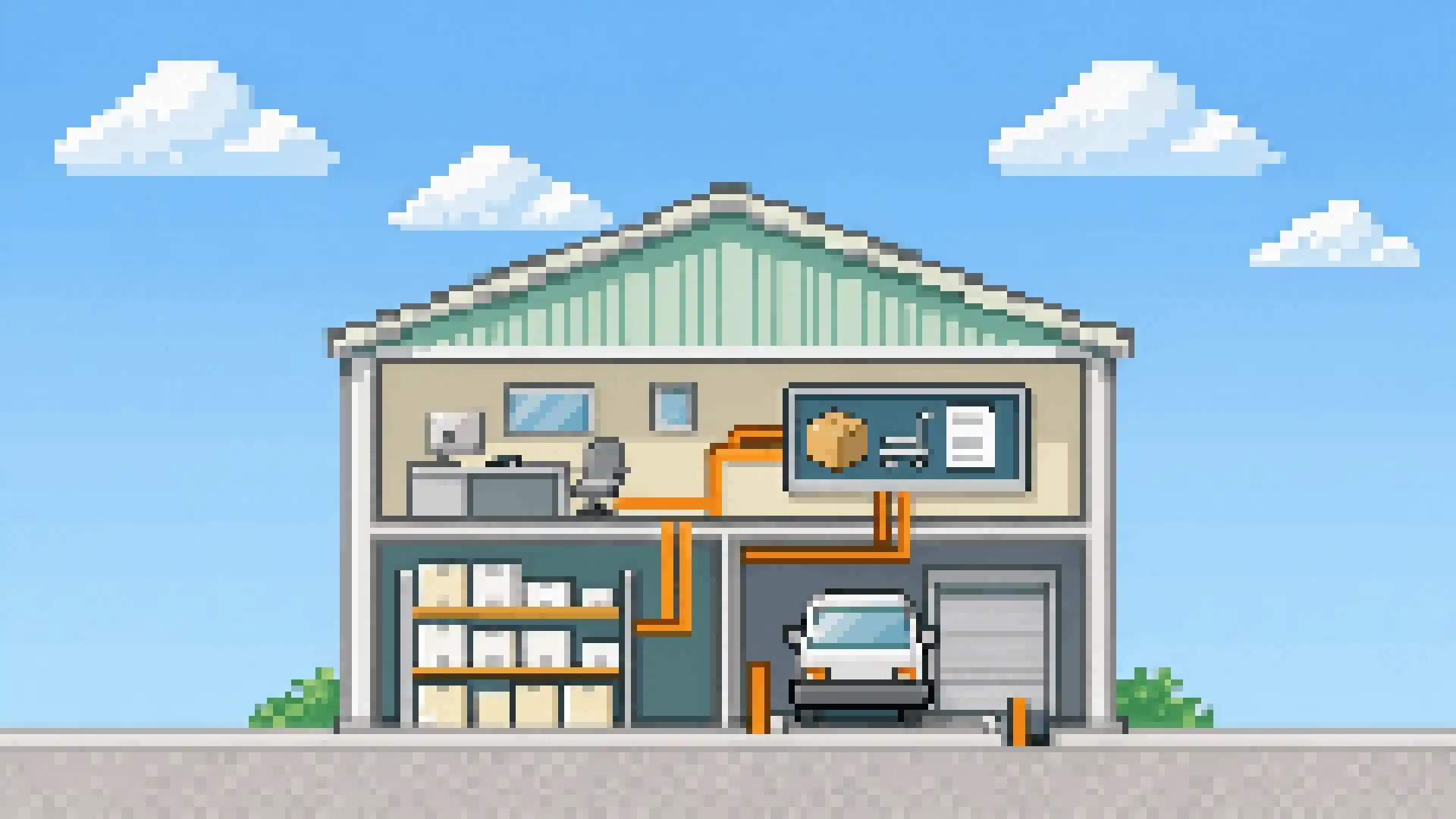
Buy your accounting and build the operations layer: that is the answer for most firms of 10 to 500 people, and it gives AI agents something solid to work on.
We build AI agents for operations, with custom software as their foundation, so this guide also says when to buy and stop there.
The short answer
An is one system for orders, stock, purchasing and accounting. Most small and mid-size firms run something smaller: accounting software such as Xero, QuickBooks or Sage, with spreadsheets, email and WhatsApp around it.
Term ERP Enterprise resource planning: the central software that runs orders, stock, purchasing and accounting in one place, such as SAP, Odoo or Microsoft Dynamics.
- Buy when you quote, order, ship and invoice the way your trade does. Odoo, Business Central, NetSuite or Sage will fit with configuration, and tools such as Odoo Studio add fields and approval rules without code.
- Build the part that is why clients choose you: a pricing model, an approval chain, a field process faster than your competitors’.
- Most firms do both. Packaged accounting, plus a custom operations layer synced to it.
Does packaged software still fit?
Answer for the software you run today, even if that is accounting software and spreadsheets.
Answer all four to see your result.
All no
Buy, and keep it packaged.
Your software fits. Configure it, train the team, and put your effort into AI on the tools you have.
One yes
Buy, then close that one gap.
Try configuration first. If it falls short, that gap is your first custom piece.
Two or more
Buy accounting, build the operations layer.
Your daily work has outgrown packaged software. Build the layer your team works in.
Custom vs off-the-shelf, side by side
| Off-the-shelf ERP | Heavily customised ERP | Packaged accounting + custom operations layer | |
|---|---|---|---|
| Time to first use | Weeks, for standard modules | Months: each customisation is specified, built and tested | Weeks for the first operations app; accounting stays as it is |
| Fit | The team adapts to the software | Close, through configuration and custom code | Operations follow how the team works; accounting follows the standard |
| Upgrade risk | Low: the vendor upgrades standard modules | High: each upgrade means re-testing every customisation | Low on accounting; the custom layer moves on your schedule, with tests |
| Who owns it | The vendor owns the code; your data leaves through its export tools | Your data; the customisations, as your contract says | You own the custom code, its accounts and its data from day one |
A fully custom ERP, ledger included, is a fourth option. We rarely advise it.
Compare what each option costs to own
Compare five to ten years of every cost, at the size you expect to be.
Packaged
- Licences for everyone who needs one. Odoo’s paid plans are priced per user per month, and Business Central has a lower-priced licence for limited access.
- The implementation partner
- Re-testing customisations at each upgrade: Business Central has two major releases a year, and Odoo won’t upgrade a database until its custom modules are ready
- Your team’s hours on setup, training and workarounds
Custom
- The first system, at a fixed scope and a fixed price
- Hosting, paid to the provider in your own account
- Maintenance, by your own people or by us
- A named person or firm who answers when something breaks
What the operations layer holds
One system your team opens every day, built piece by piece as a custom ERP.
- The daily app. Jobs, orders, schedules and checks, on a desktop or a phone (business app).
- Approvals and documents. Requests reach the right person, and quotes come out pre-filled (document generation).
- Portals. Clients follow their files, and suppliers send their own updates (client portal).
- One dashboard. Margin per job, late orders and stock at risk (dashboard).
- Invoicing triggers. An approved order asks the accounting software to raise the invoice (invoicing).
Why accounting stays packaged
Keep the ledger, tax, payroll and legal filings packaged. Tax and e-invoicing rules change without asking you, and a vendor updates them for all its customers at once.
Since 1 September 2026, every company in France must be able to receive electronic invoices. Large and mid-size companies must issue them from that date, and small firms from 1 September 2027. Your accounting vendor carries that change; with a ledger of your own, you would.
Building is faster than it was; running in production isn’t
A working prototype of an operations app now takes days, often with AI writing much of the code. The time goes on what a team relies on: personal sign-ins and access rights, a tested restore, alerts when something breaks, and syncs that retry and report failures. Ask any builder about that part.
Can we build our own ERP with Claude Code or other AI coding tools?
The operations layer, yes, as a first version: it teaches you what you need. Leave the ledger out, for the tax reasons above, and name who keeps the app running once its builder moves on. When a team depends on it, the audit gives you a plan to take it to production.
Don’t Odoo, Business Central and NetSuite ship AI agents now?
Yes, and they are worth trying first. Odoo has AI agents that work with its tools. Business Central has a Sales Order Agent and a Payables Agent. NetSuite is rolling out agents that work on approval or alone.
If your daily work lives in that ERP, they may be enough. If it runs across email, spreadsheets and chat, an agent needs one clean record, and the operations layer gives it one. Start with our guide to AI agents for operations.
Who maintains it in 3 to 5 years?
Someone you can name today, and free to change. Check four things:
- Your accounts from day one. Hosting, database and code sit in your company’s name, and the builder is a guest.
- Updates you can repeat and undo. A change goes out the same way every time, and the previous version is one step away.
- Decisions written down. The reasons sit next to the code, for the next engineer or your own AI assistant.
- One owner per record. One system creates and changes each record, and every other system reads a copy.
Operations appBuilt
- Order
- Stock
- Approval
- Delivery note
Accounting softwareBought
- Invoice
- Ledger entry
- Tax
With those four, you can leave and it keeps working. Maintenance stays a choice.
Frequently asked questions
What is a custom ERP?
Back-office software built around one company’s way of working: its orders, jobs, approvals, stock and documents. For most firms the sensible version is partial: a custom operations layer connected to packaged accounting software.
How long does a custom operations system take?
Weeks to months, depending on what it covers. The first system has a fixed scope and a fixed price, written with you before work starts; later pieces come in further rounds.
How long should the decision take?
About two weeks. List the five transactions your team does most, ask a vendor to run each one live with your data and your exceptions, and score the gaps. Then buy, build the worst gap, or do both.
We started building it ourselves with AI. Can you take it to production?
Yes. We start with the audit, a short paid review inside what you built, and it ends in a written plan to take it to production. Then we do the work if you want us to.
Your next step
Take your result to the audit. We work through your tools and workflows with your team, and you get a written plan: what to buy, what to build and where AI goes first.
Prefer to talk first? Book a free 30-minute call. No commitment. You pick the time.