
If your buying, selling, stock and invoicing look like your industry’s, buy a packaged ERP. If the way you work is why clients choose you, build that part, and keep the accounting packaged.
We are an engineering firm that builds custom operations software, so this guide also says when to buy instead of hiring a firm like ours. Most companies of 10 to 500 people end up with both: packaged accounting, plus a custom operations layer synced to it.
The short answer
An is one system for orders, stock, purchasing and accounting. Most small and mid-size firms run something smaller: accounting software such as Xero, QuickBooks or Sage, with spreadsheets, email and WhatsApp around it. That is the real starting point, and the question it raises is what to buy, what to build, and how the two fit.
Term ERP Enterprise resource planning: the central software that runs orders, stock, purchasing and accounting in one place, such as SAP, Odoo or Microsoft Dynamics.
Buy when your processes look like your industry’s
If you quote, order, ship and invoice the way most firms in your trade do, a packaged ERP such as Odoo, Microsoft Dynamics 365 Business Central, NetSuite or Sage will fit with configuration, and tools such as Odoo Studio add fields and approval rules without code. Buy it, train the team, and stop reading here. It is the simplest path, and plenty of firms should take it.
Build when the way you work is why clients choose you
Some firms win on how they work: a pricing model nobody else offers, an approval chain clients trust, a field process that is faster than the competition’s. Bend that into a packaged ERP and you either lose the edge or pay for customisation that every upgrade puts at risk. That part is worth building.
For most firms, both: packaged accounting plus a custom operations layer
The ledger, tax and payroll look the same in every company, so buy them. The daily work, the approvals, the portals and the live numbers are where firms differ, so build those, and connect them to the accounting software. It is the answer for most firms, and the one the rest of this guide unpacks.
Custom vs off-the-shelf ERP, side by side
Three options, in words, since prices depend on your team and your vendor.
| Off-the-shelf ERP | Heavily customised off-the-shelf | Packaged accounting + custom operations layer | |
|---|---|---|---|
| Time to first use | Weeks, for standard modules | Months: each customisation is specified, built and tested | Weeks for the first operations app; accounting stays as it is |
| Fit to your process | The team adapts to the software | Close, through configuration and custom code | Operations follow how the team works; accounting follows the standard |
| Who changes it, and how fast | The vendor, on its roadmap; you configure what it allows | Your integrator, one change request at a time | Engineers you choose, in short rounds; the vendor keeps the ledger current |
| Upgrade risk | Low on standard modules: the vendor upgrades them | High: every upgrade means re-testing each customisation | Low on accounting; the custom layer moves on your schedule, with tests |
| Per-user cost as you grow | Grows with every person who needs a licence | Grows with users, plus the integrator's time | Licences for the finance team; the custom app adds hosting, in your own account |
| Who owns code and data | You run the vendor's code; your data comes out through its export tools | Your data; the customisations, as your contract says | You own the custom code, its accounts and its data from day one |
| If the partner leaves | The vendor stays; another partner takes over the setup | The customisations depend on whoever knows them | It keeps running in your accounts; the next engineer reads the decisions and takes over |
| Accounting and tax compliance | The vendor keeps it current | The vendor keeps the core current | The accounting vendor keeps it current |
| Best for | Processes that look like your industry's | Firms committed to one ERP, with a few gaps it cannot fill | Firms whose way of working is why clients choose them |
A fourth option is a fully custom ERP, ledger included. We rarely advise it: you would then keep up with every tax and accounting rule yourself, for a part that gives you no edge.
Signs your packaged ERP no longer fits
You may already own an ERP. These are the signs the operations side has outgrown it.
The team keeps a parallel spreadsheet
The order is in the ERP, but the week’s schedule or the margin on each job is worked out in a spreadsheet someone updates every morning, then typed back in. For example, a wholesaler whose stock figure differs between the warehouse sheet and the accounting software: every copy is a chance for two numbers to drift apart, and for a decision to rest on the wrong one.
The list of customisations is longer than the list of standard features you use
Each customisation made sense when it was added. Together they make every upgrade a project: each one is checked, fixed and tested again before the team can move to the new version. Odoo’s own upgrade guide says a database with custom modules cannot be upgraded until those modules are ready for the new version, and Microsoft asks Business Central customers to keep testing their extensions against each update.
Per-user fees grow faster than the value
Field and warehouse staff often need one screen: today’s jobs, a photo, a signature. When each of them needs a full licence to reach that screen, the bill grows with the team while the value stays flat. Check the licence types on your vendor’s pricing page: Odoo’s paid plans are priced per user per month, and Business Central has a much cheaper Team Members licence for limited access, such as reading data and approving workflows.
Approvals, pricing or field work happen by email and WhatsApp
A discount is approved in a chat thread, a job is confirmed by phone, a photo arrives by email. For example, a 60-person distributor whose order approvals run by email, or a field-service firm whose technicians fill in paper reports: the ERP records the result, sometimes days later, and the decision trail lives in people’s inboxes.
What to keep packaged
Keep the general ledger, tax, payroll and the filings the law requires in packaged software. Regulation changes without asking you: VAT rules, e-invoicing mandates, payroll thresholds. A vendor with thousands of customers updates them for all of them at once, and your accountant already knows the tool. Rebuilding that is paying to carry a risk that a subscription carries for you.
What the operations layer is, concretely
“Custom module” says little. Here is what the layer holds, piece by piece, in one system your team opens every day. Each piece can come alone or with the others, and together they are what we build as a custom ERP.
- Daily app
- Approvals and documents
- Portals
- Dashboard
- Invoicing triggers
The daily app, in the office and in the field
The screens your team opens every morning: jobs, orders, schedules, checks, on a desktop or a phone. It follows your steps and your words, so new people learn the work and the tool together (business app).
Approvals and documents generated from your data
A request goes to the right person with the right threshold, then to e-signature. Quotes, contracts and reports come out pre-filled in your branding, from the data already in the system (document generation).
Client and supplier portals
A space in your brand where clients follow their files and suppliers send their catalogues, documents and updates themselves, so nobody re-types them (client portal).
One dashboard with live numbers
Margin per job, late orders, stock at risk, on one screen, from the systems that own each figure, so decisions rest on this morning’s numbers (dashboard).
Invoicing triggers and notifications that go back to the accounting software
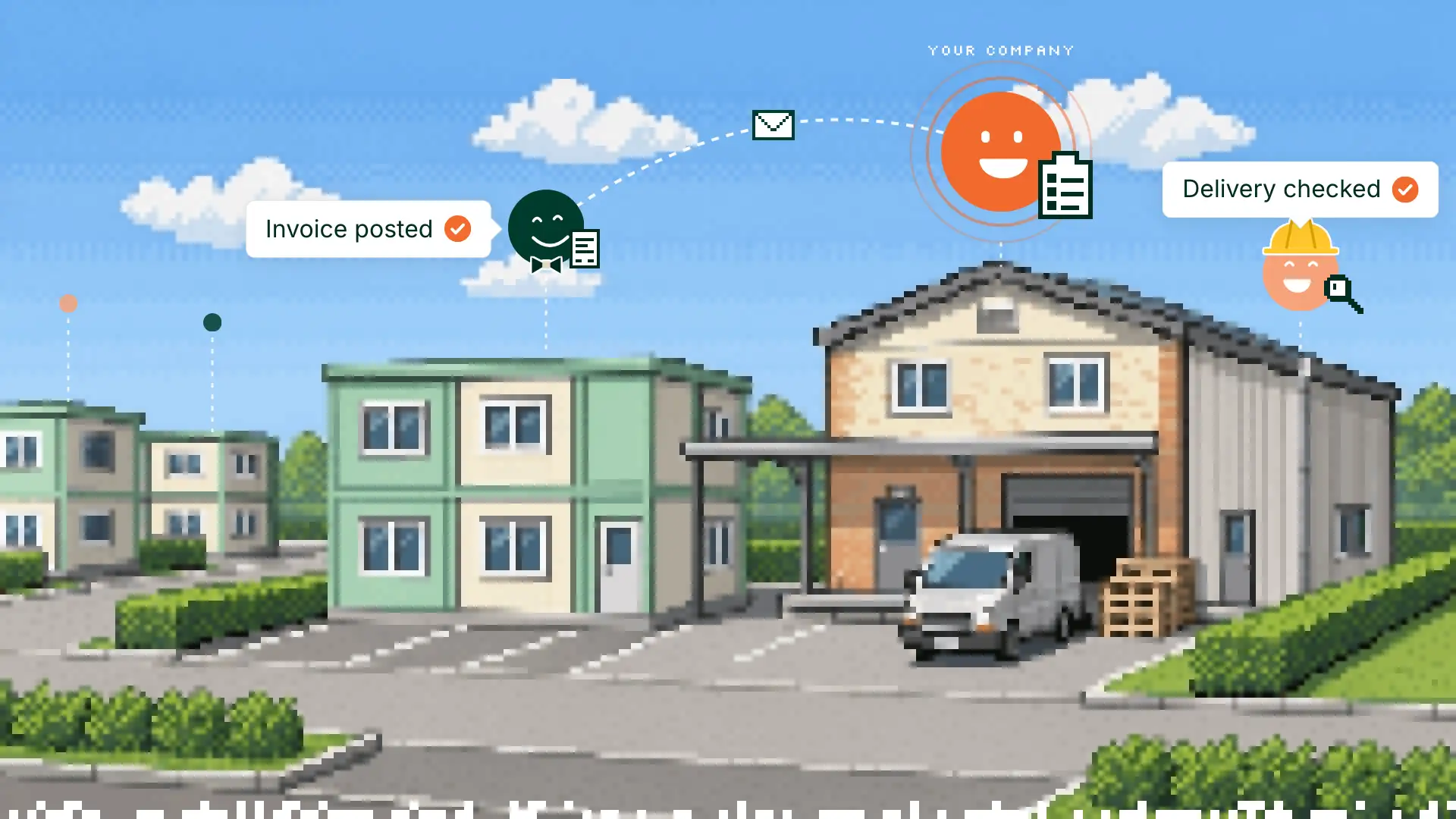
When an order is approved or delivered, the operations layer asks the accounting software to raise the invoice. Emails and alerts go out when the data says so, so nobody has to remember (invoicing).
The same layer works across countries. For example, a distributor with teams in several countries can run one back office where each country keeps its own approval thresholds, documents and language, while each country’s accounting stays in the software its accountant uses.
Which system owns which data
One rule settles most arguments: every record has one owner. One system creates it and changes it; every other system reads a copy.
Operations appBuilt
- Order
- Stock
- Approval
- Delivery note
Accounting softwareBought
- Invoice
- Ledger entry
- Tax
For example, a distributor that takes orders from shops and delivers them:
- The order lives in the operations app. It is created, priced, approved and delivered there.
- The stock figure lives where stock moves are recorded: the operations app, where the warehouse scans what comes in and goes out.
- The invoice lives in the accounting software. When an order is approved, the operations app sends what to bill; the accounting software gives the invoice its number, its tax and its payment status.
- The payment status flows back to the operations app once a day, so the dashboard shows which orders are paid without anyone opening the accounting software.
Write this list down before anything is built. Most double entry, and most “which number is right?” meetings, come from records with two owners.
What it really costs to own each option
Compare five years of every cost, and model each option at the size you expect to be in year five.
Packaged
- Licences for everyone who needs one, at your year-five size
- The implementation partner
- Re-testing every customisation at each upgrade (Business Central online, for example, gets two major updates a year, in April and October)
- Your own team’s hours on setup, training and workarounds
Custom
- The build of the first system, at a fixed scope and a fixed price
- Hosting, paid to the provider in your own account
- Maintenance, by your own people or by us
- A named person or firm who answers when something breaks
Building is cheaper than it was; running in production isn’t
A working prototype of an operations app now takes days, often with AI writing much of the code. What still costs money is everything that lets a team rely on it: everyone signs in with their own account and sees only what they should; backups exist and a restore has been tested; someone is told when something breaks; changes go out the same way every time, with a way back; syncs with the accounting software retry and report failures. That is the part to price, and the part to ask any builder about. Our prices and the audit are on the services page.
How to stay free to leave a custom build
“You own the code” is easy to promise. Ask how. Three things make it true:
- Your own accounts from day one. The hosting, the database and the code repository are in your company’s name, and the builder is a guest in them.
- Updates you can repeat and undo. A change goes out the same way every time, built by a machine, and the previous version is one step away.
- Decisions written down. Why the data is shaped this way, why that sync runs at night: written next to the code, so the next engineer, or your own AI assistant, can read why.
With those three, you can leave and it keeps working. Maintenance becomes a choice: hand it over with training, keep us for a transition, or keep us on a retainer.
How to decide in two weeks, not six months
- List the five transactions your team does most often: an order, a job, a quote, a return, a purchase.
- Ask a packaged vendor to run each one live in a demo, with your data and your exceptions.
- Score each gap: works as is, works with configuration, needs custom code, or forces a workaround.
- Prototype the worst one, in days, as a small app connected to your accounting software.
- Decide: buy, build that one piece, or both.
If you want a second opinion on the list, book the call below. We will tell you which side of the line each transaction falls on.
Once your data is in one place
When the operations data lives in one clean system, with clear owners, your team can also connect Claude or ChatGPT to it, to ask questions in plain words or draft the next step for approval. That is a separate service we run, with its own permissions on what the assistant may read and do.
Frequently asked questions
What is a custom ERP?
Back-office software built around one company’s way of working: its orders, jobs, approvals, stock and documents. For most firms of 10 to 500 people the sensible version is partial: a custom operations layer connected to packaged accounting software.
Is a custom ERP more expensive than Odoo or NetSuite?
Compare the shape of the costs over five years. Packaged software costs licences that grow with your team, plus implementation and re-testing at each upgrade; a custom layer costs a build up front, then hosting and optional maintenance. Model both at the size you expect to be.
Can we keep Xero, QuickBooks or Sage and still build a custom system?
Yes, and it is usually the best plan. The accounting software keeps the ledger, tax and invoices; the custom system runs the operations and sends what to bill through the connection the accounting software opens to other software (its API).
How long does a custom operations system take?
Weeks to months, depending on what it covers. The first system has a fixed scope and a fixed price, written with you before work starts; later pieces come in further rounds.
We started building it ourselves with AI. Can you take it to production?
Yes. We start with a short paid review inside what you built, the audit, ending in a written plan to take it to production, then do the work if you want us to.
Talk it through with us
Bring your list of workarounds. By the end you’ll know what to buy, what to build, or whether we can’t help, and if we can’t, we won’t follow up.
Book a free 30-minute call. No commitment. You pick the time.